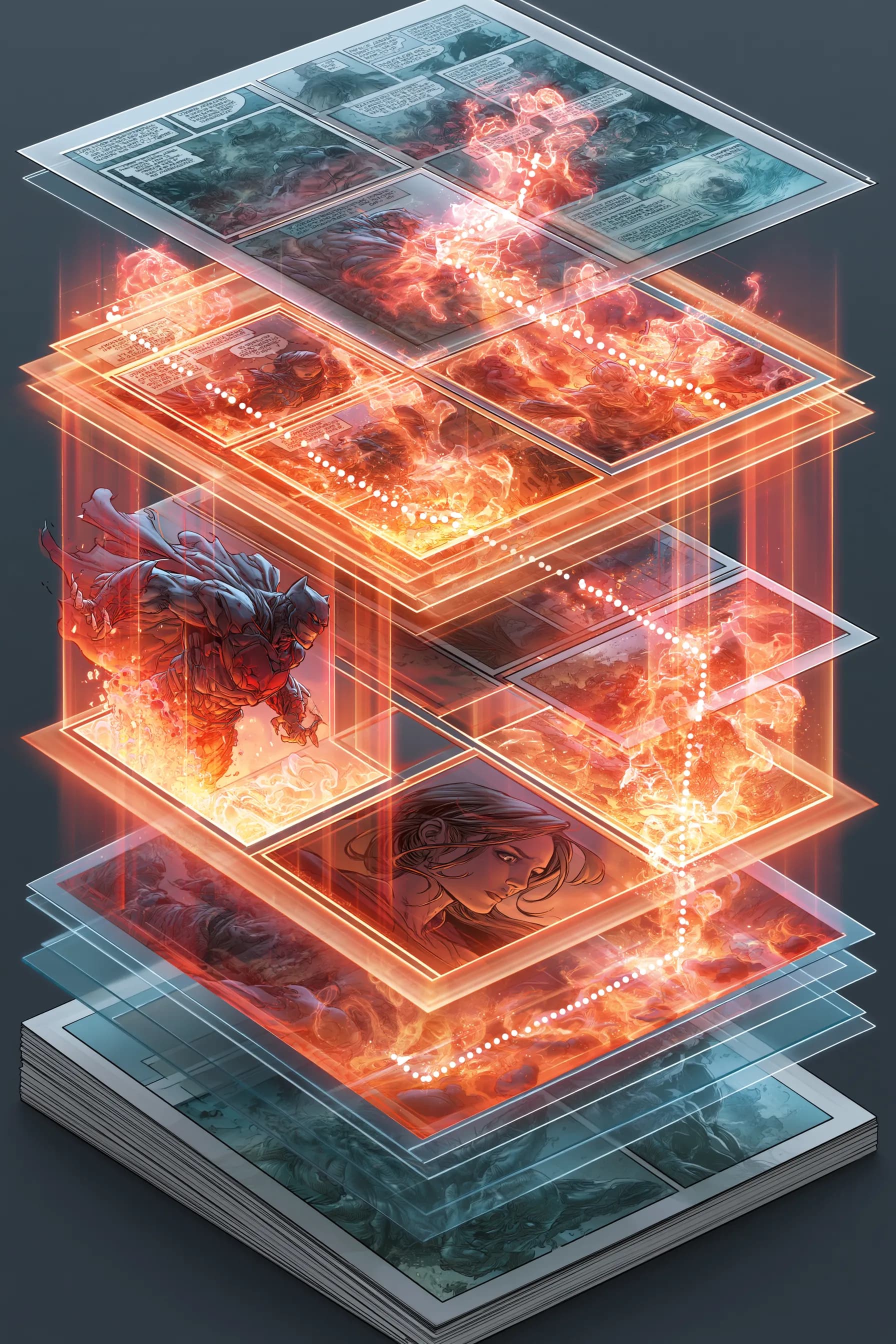
Line art tells the reader what they are looking at. Color tells them how to feel about it. A frightened character under cold blue light reads as dread before anyone has parsed a word of dialogue.
Most new creators treat color as decoration applied at the end. It is not. Color is a storytelling instrument, and it works in three distinct layers. Get the layers right and a flat page suddenly has weather, time of day, and an emotional temperature.
Layer One: Flats
Flats are your clean base colors. Every surface gets one solid, unshaded color: the jacket is rust orange, the sky is pale grey, the skin is warm beige. No gradients, no light yet. Just zones.
Flatting feels boring, but it is the foundation everything else sits on. Two rules make the rest of the process painless:
- Keep colors on separate selections or layers. You will recolor things. Plan for it.
- Decide character colors once and never improvise. If the hero's coat is rust orange, it is rust orange in every panel of every issue. This is exactly the kind of detail a comic series bible exists to lock down.
Layer Two: Shadows and Rendering
Now you add light. Pick a light source for the scene and commit to it. Shadows fall away from it; highlights face it. Inconsistent lighting is the single fastest way to make a page look amateur.
Two levels of rendering cover most comic work:
- Cel shading. One shadow tone, one highlight tone, hard edges. Fast, punchy, reads great at small sizes. Most webcomics live here.
- Soft rendering. Blended gradients, ambient occlusion, reflected light. Slower, richer, better suited to print and moody graphic novels.
You do not need both. Pick the rendering level that matches your art style and your schedule, then apply it the same way on every page.
Layer Three: Mood and Color Grading
This is where color becomes storytelling. A color grade is an overall tint or balance shift applied to the whole scene. Warm amber for a safe kitchen at dinner. Sickly green for a hospital corridor. Desaturated grey-blue for grief.
The trick is contrast across scenes. If every page is a warm gold, none of them feel warm. Save your saturated, high-contrast palettes for the emotional peaks so they actually land. This is the visual side of pacing your comic — color rhythm and panel rhythm should rise and fall together.
Building a Palette That Holds Together
A cohesive comic does not use every color. It uses a small, deliberate set and bends it.
- Pick a base palette of 5 to 8 colors and treat it as your house style.
- Give each location a signature. Readers should know the villain's lair from the protagonist's apartment by color alone.
- Use accent colors sparingly. One bright spot on a muted page pulls the eye exactly where you want it — useful for guiding readers through a complicated panel layout.
- Map time of day deliberately. Dawn, noon, dusk, and night each get a consistent treatment so a flashback is never mistaken for the present.
Where Consistency Breaks Down
Color is where long projects quietly fall apart. By page 40 you have forgotten the exact orange of that coat. Lighting drifts. A character's hair shifts half a shade and readers feel that something is off without knowing why.
This is the hardest part to do by hand and the easiest place for AI to help. When you build a comic in NarrInk, style locking holds your palette, rendering approach, and color treatment steady across every panel — so page 40 matches page 1 without you re-checking swatches. The Character Bible carries each character's specific colors with them, panel to panel.
A Simple Coloring Workflow
- Flat the whole page in clean base colors.
- Choose the scene's light source and add one shadow pass.
- Add highlights only where light genuinely hits.
- Apply a mood grade for the scene's emotional tone.
- Step back, view the page at thumbnail size, and check that the focal point still reads.
That last step matters most. If your page works as a tiny thumbnail, your color is doing its job.
Color is half of your comic's voice. Pair it with strong craft elsewhere: tighten your lettering so words stay readable over your art, and lock continuity with a series bible. Got questions about how style locking works? The FAQ covers it.