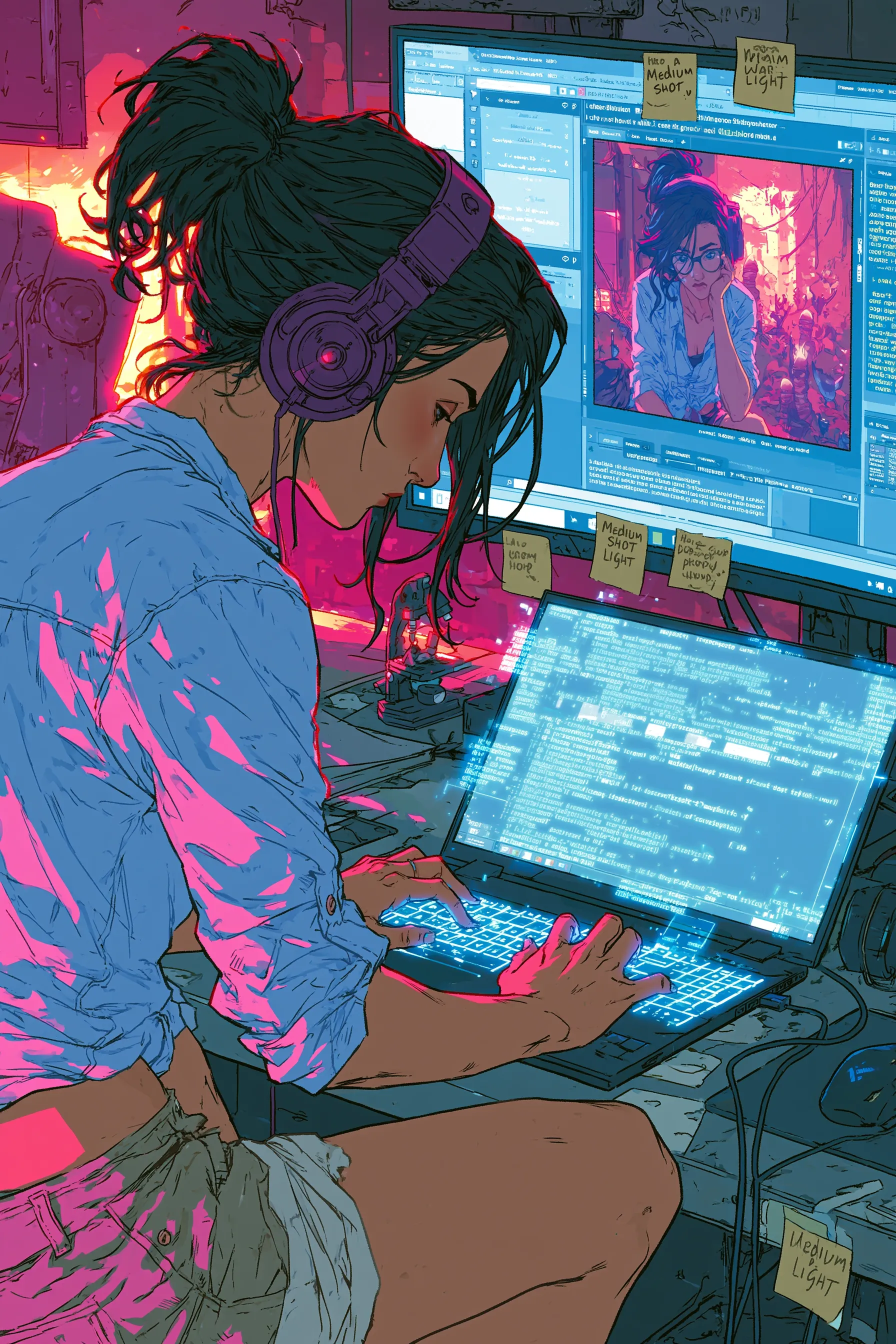
You picture the scene perfectly. Your hero kicks a door open, rain hammering the alley behind her. You type it into an AI comic generator and get back... a calm woman standing in a hallway. Where did the rain go? Where did the kick go?
The gap between the comic in your head and the comic on screen is almost always a prompt problem. The good news: prompt craft is a skill, not a talent. Here is how to write prompts that land.
Think Like a Camera, Not a Novelist
Prose describes thoughts, history, and feelings. A comic panel can only show what a camera sees. So before you write a prompt, translate your idea into something visible.
"She was nervous about the meeting" is invisible. "She grips the door handle, jaw tight, eyes down" is a panel. Every prompt should answer one question: what would I actually see if I were standing there?
The Five Things Every Prompt Should Cover
A strong comic prompt is rarely one sentence. Walk through these five layers and you will get usable results far more often:
- Character: who is in the panel and what they are doing right now.
- Scene: where it happens and what is around them.
- Action: the specific physical beat, in active verbs.
- Mood: the emotional temperature, plus lighting that supports it.
- Camera: the angle and shot distance.
Miss the camera layer and the generator picks a default medium shot every time. Miss the mood layer and your tense scene comes back flat.
Speak the Language of Shots
You do not need film school, but five terms will change your output overnight. A wide shot establishes a location. A medium shot shows people from the waist up for dialogue. A close-up sells emotion. A low angle makes a character loom and feel powerful. A high angle makes them look small and vulnerable.
Compare "two people talking" with "medium two-shot, both characters facing each other across a diner table, warm overhead light." The second prompt has already made three decisions the generator would otherwise guess. This is the same eye-guiding logic behind solid panel layout — you are directing attention on purpose.
Specify the Story Beats, Leave the Rest Open
New prompt writers swing to one of two extremes. Some write a single vague line and hope. Others write a paragraph so packed with detail that the generator cannot honor all of it.
The fix is editorial. Decide what is load-bearing for this panel and pin only that. If the story turns on a cracked phone screen, name it. If the wallpaper pattern does not matter, do not describe it — every word you spend on trivia is attention pulled away from what counts.
This is also where a tool earns its keep. With NarrInk, the Character Bible already locks appearance, wardrobe, and expressions, so you never burn prompt space re-describing your hero's red jacket in panel after panel. Your prompts get to focus on what is happening instead of who is who.
The Mistakes That Quietly Ruin Results
A few habits sabotage prompts before they ever reach the page:
- Stacking actions: "she runs, jumps, and grabs the rope" forces three beats into one frame. Pick the strongest moment.
- Naming emotions instead of showing them: "he is angry" gives less than "he slams both fists on the desk, teeth bared."
- Negative prompting overload: long lists of what you do not want often confuse the result. Describe the positive instead.
- Skipping the setting: with no environment, the generator invents one that may not match your story.
- Inconsistent style words: mixing "gritty noir" and "cute pastel" in the same project fights itself. Lock a direction early — see choosing a style for help.
Iterate in Small, Honest Steps
When a panel comes back wrong, resist the urge to rewrite the whole prompt. Change one variable, regenerate, and read the difference. Wrong angle? Adjust only the camera line. Mood too soft? Touch only the lighting.
Small edits teach you what each word is doing. Inside a few sessions you will build a personal vocabulary that consistently produces the look you want — and you will spend minutes per panel instead of fighting the tool for an hour.
Prompts Are Direction, Not Magic
Treat every prompt like a note to an artist who is fast, tireless, and completely literal. Be specific where the story needs it, generous where it does not, and patient enough to iterate. Do that and the comic on the page finally starts to match the one in your head. Ready to keep going? See how to choose an AI comic generator, dig into writing a comic script, or check the FAQ for the practical details.