Here is the trap: you finish one gorgeous page, then another, and by page 15 you realize the pacing is broken. Now fixing it means redoing fifteen finished pages. That is hours, maybe weeks, of work down the drain.
Storyboarding exists to prevent exactly this. You sketch the entire graphic novel rough and small first — then every problem is cheap to fix.
What a Storyboard Actually Is
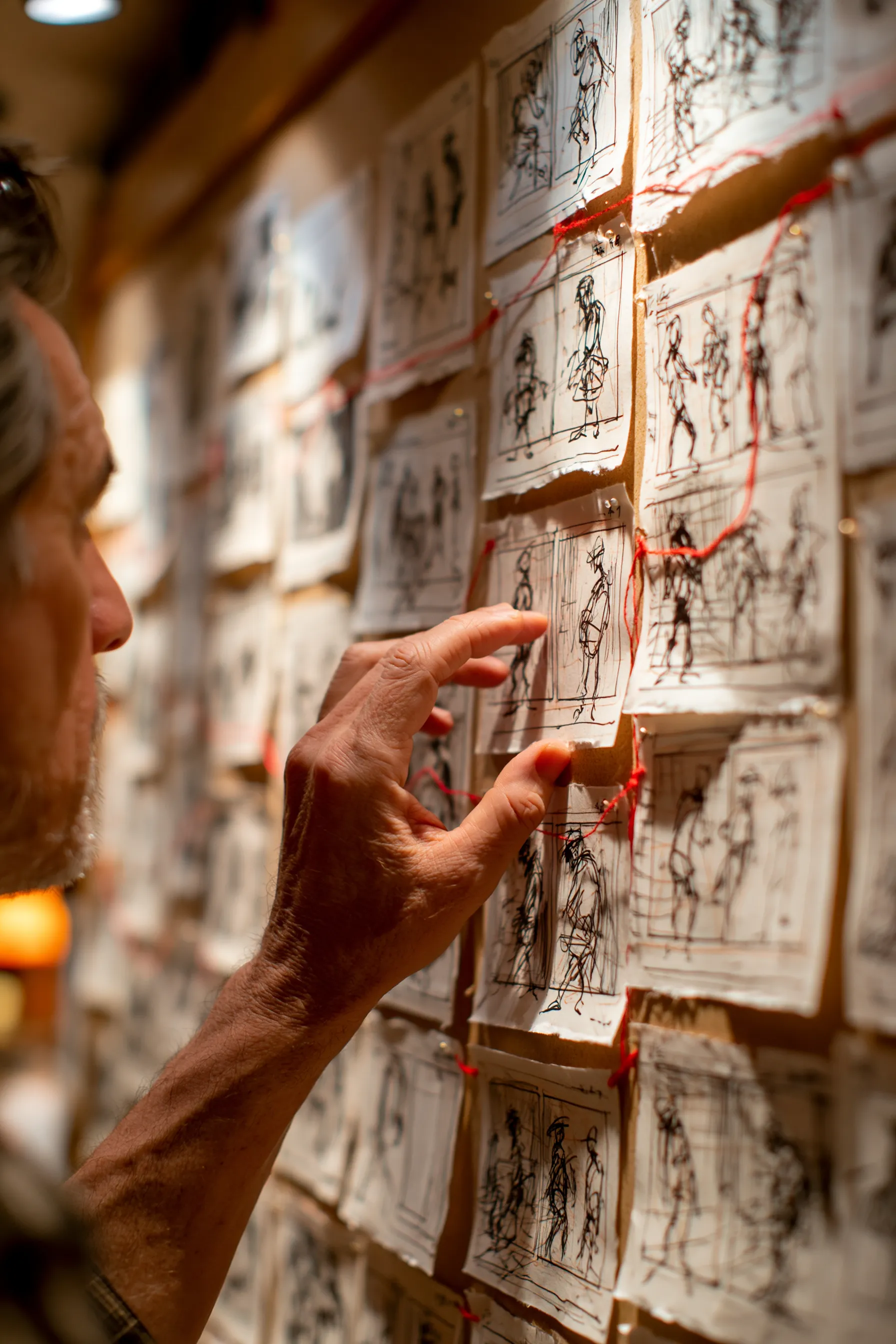
For a graphic novel, a storyboard is a complete set of thumbnails: tiny, rough sketches of every page, with panels, figures, and balloons blocked in as simple shapes.
Nobody else needs to read them. A thumbnail can be stick figures and scribbled boxes. Its only job is to let you see the shape of the whole book before you commit a single finished line.
Step 1: Break the Script into Pages
Before you sketch anything, decide what happens on each page. Take your comic script and mark the page breaks — which beats land where, and which moment ends each page.
This first pass is pure pacing. You are deciding the rhythm of the book before you draw a single panel, and that decision is far easier to change now than later.
Step 2: Thumbnail Small and Fast
Draw your thumbnails tiny — two or three inches tall is plenty. Small size forces speed, and speed is the entire point.
At this stage, only block in:
- Panel shapes: how the page is divided.
- Figure placement: rough blobs for where characters stand.
- Camera distance: wide, medium, or close.
- Balloon positions: where text will sit and how much room it needs.
Spend two minutes per page, not twenty. If a thumbnail is taking real effort, you are over-rendering it.
Step 3: Read Pacing at a Glance
Once a chapter of thumbnails is done, lay them out together and look. This bird's-eye view reveals problems no single page can.
Five identical six-panel grids in a row? Your pacing is monotone. Your big reveal squeezed into a small panel? Give it a full page. A quiet scene eating four pages? Trim it. This is editorial work, and our pacing guide shows what to look for. Catching a problem here costs an eraser; catching it later costs a week.
Step 4: Plan Every Page Turn
Thumbnails are where you control the page turn. Arrange your pages as spreads — left and right together — and check what each turn delivers.
End right-hand pages on a hook so the reader has to turn. Save reveals for the top-left of the next page. With the whole book thumbnailed, you can engineer these moments deliberately instead of hoping they land.
Step 5: Iterate Cheaply, Then Commit
The whole reason to thumbnail the entire book first is freedom to change your mind for almost nothing. Reorder pages. Cut a scene. Merge two chapters. At thumbnail stage these are quick erasures, not demolitions.
Only once the full storyboard feels right do you move to finished art — and now you are producing pages with total confidence, because the structure is already proven.
Where AI Fits the Storyboard Stage
This is a natural place for an AI comic generator. Because NarrInk can turn a full script into a complete comic in minutes, you can treat that first generation as a working storyboard — a fast, visual draft of the entire book.
You see your pacing, your page turns, and your layouts laid out for real, then refine from there. The Character Bible keeps everyone on-model across that draft, so what you are judging is genuinely the structure, not visual noise. It collapses the slowest part of the process into an afternoon.
Plan the Whole Book, Then Build It
Storyboarding is not a detour from making your graphic novel — it is making it, in the cheapest, most flexible form. Thumbnail the whole book, fix the structure while fixes are free, then commit. From here, look at panel layout basics to sharpen each page, or common mistakes new creators make to keep your finished pages clean.